Questions you ask us
What happens when the free year ends?
The app becomes read-only: you can still see and search everything, but you cannot create or edit. Nothing is deleted and nothing is locked away. Subscribe later and it all picks up where you left it.
Do I need to know GTD to use it?
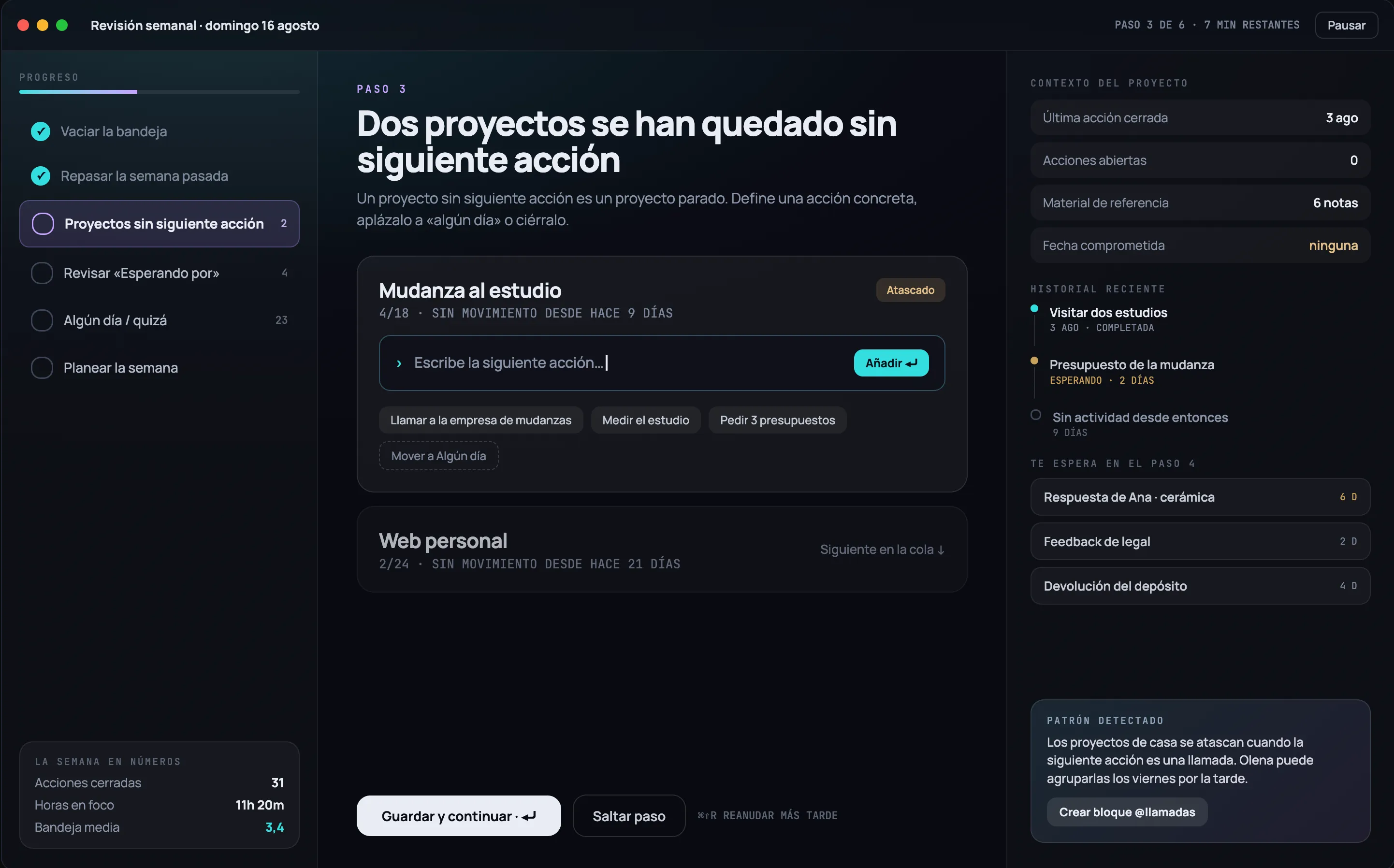
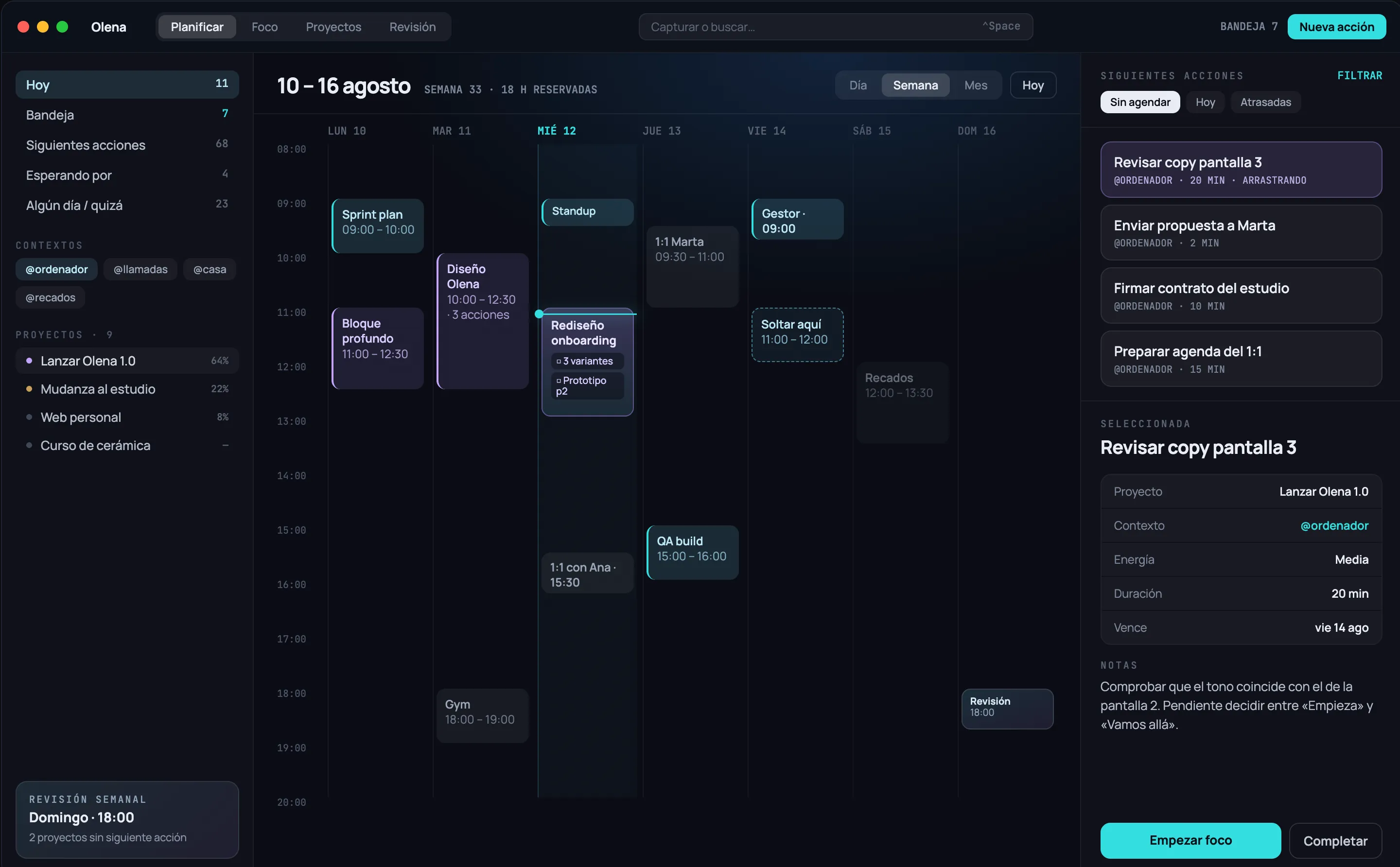
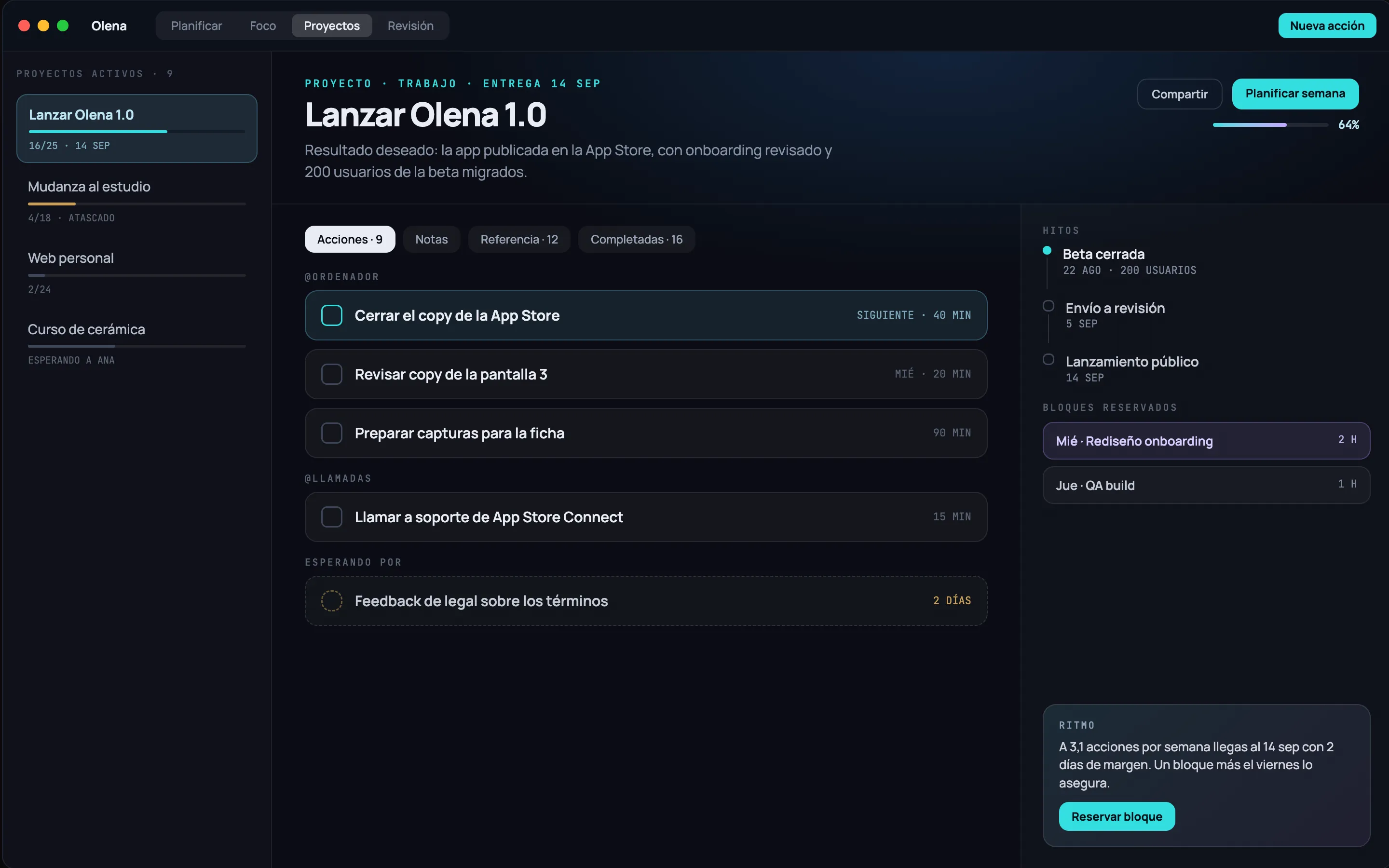
No. You can use Olena as a task list with a good calendar and never notice there’s a method underneath. If one day you want the full system, it’s already there: inbox, clarification, projects, areas, contexts, perspectives and a weekly review.
How does the Pomodoro work?
You choose the work, short break and long break durations, and how many blocks go by before the long one. From there it chains itself: you never confirm a stretch. The countdown shows on the Lock Screen and in the Dynamic Island, so you can leave the phone face down.
How are routines different from tasks?
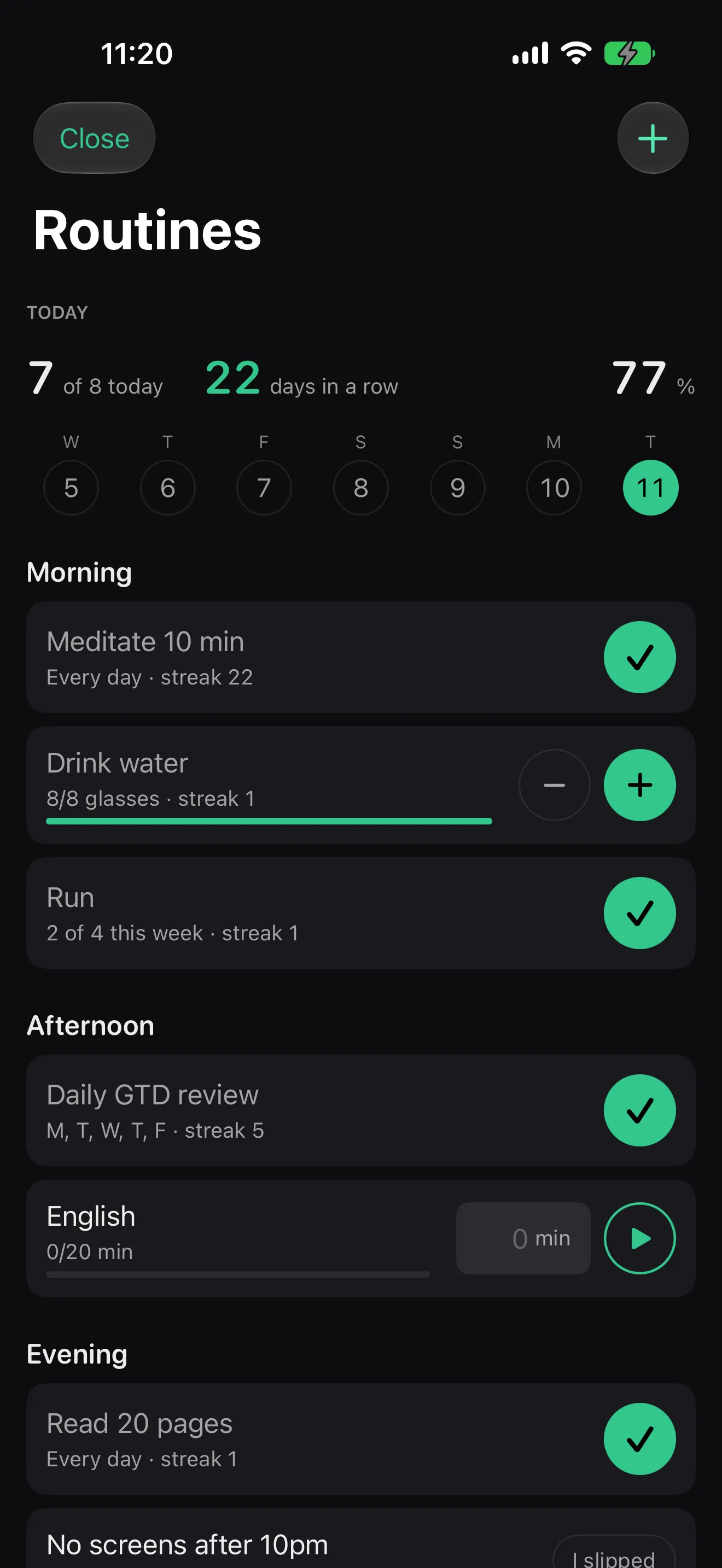
A task happens once; a routine happens every day. There are six ways to measure them: yes or no, quantity, duration, avoidance, X times a week and every N days. With current streak, best streak, percentage of the month and a twelve-week heat map. You can log up to seven days back, because real life doesn’t get recorded on time.
Where is my data?
On your device, with SwiftData, synced through your own private iCloud container. There is no Olena server. No usage analytics, no advertising identifiers, no third parties.
Does it sync between my iPhone, my iPad and my Mac?
Yes, through your own private iCloud container — the same mechanism Apple uses for Notes or Reminders. It never passes through a server of ours because none exists. Turn iCloud off and Olena keeps working locally. The Mac app is days away; once it ships it syncs the same way as iPhone and iPad.
Which devices does it run on?
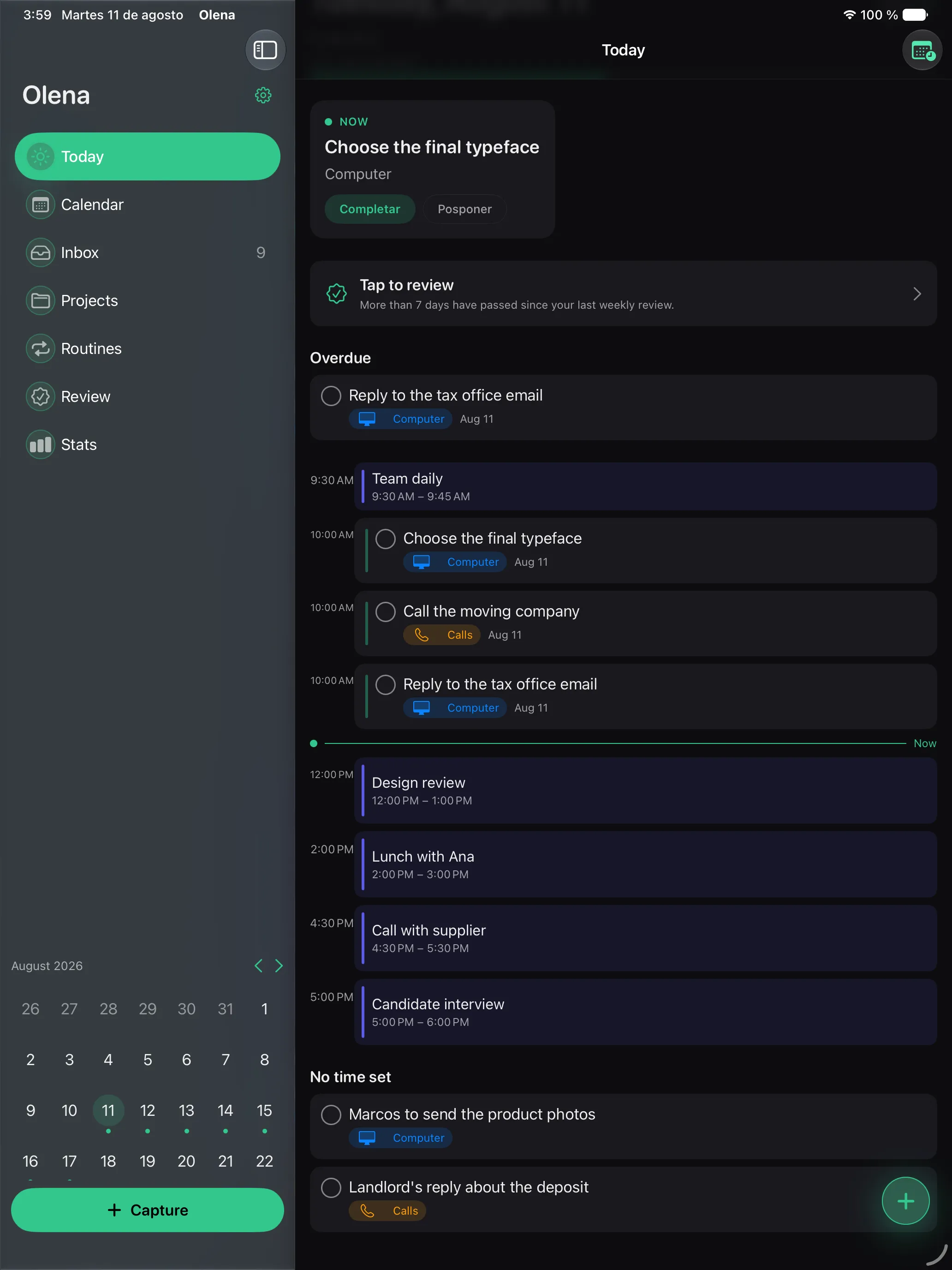
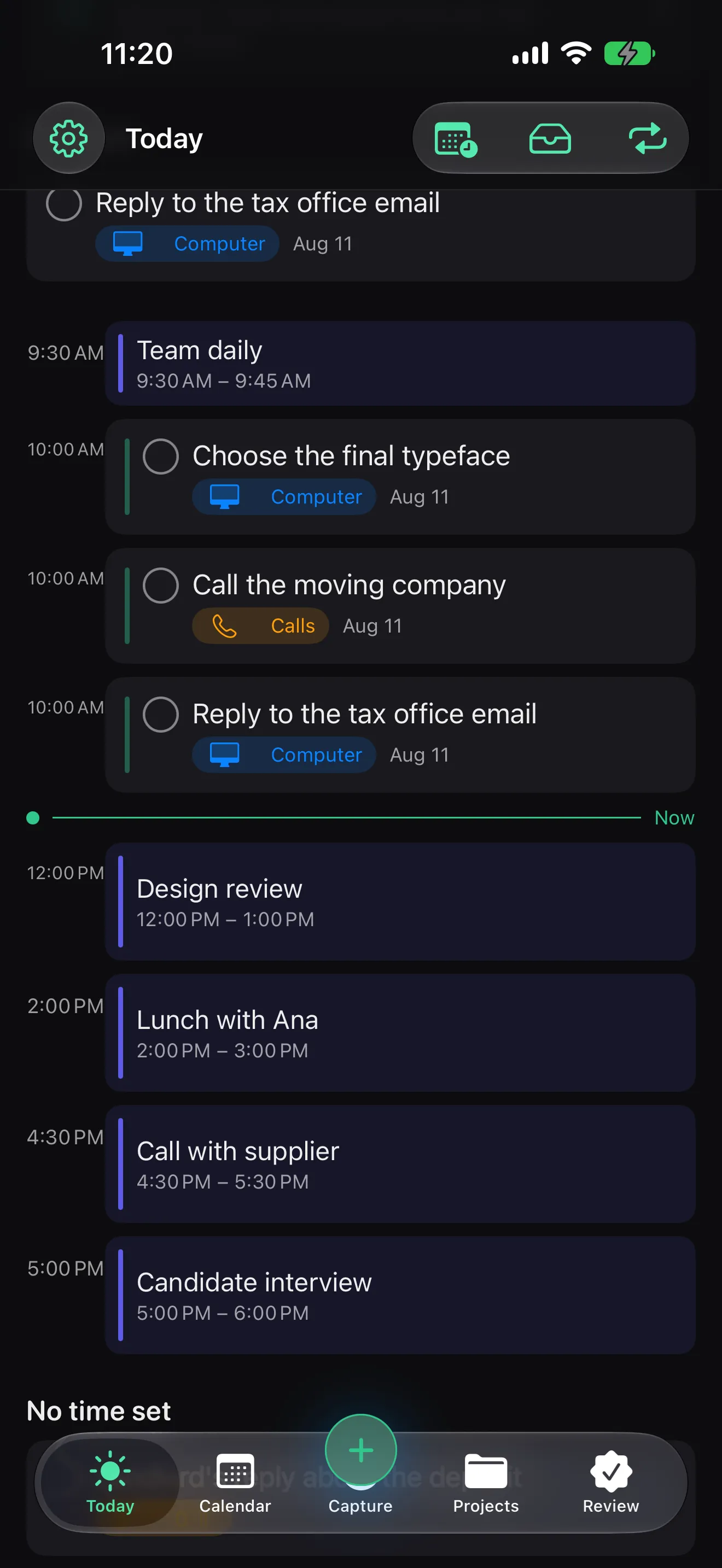
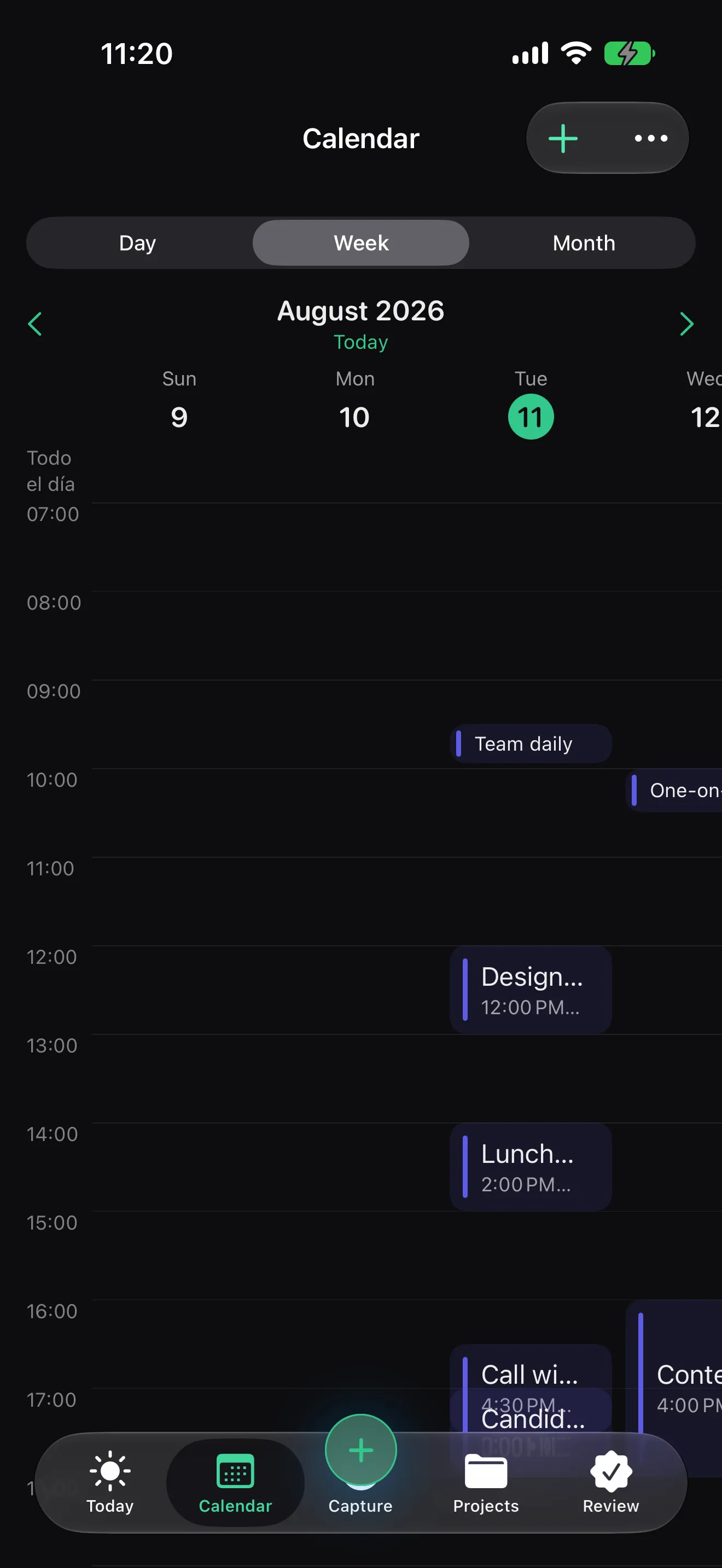
iPhone, iPad and Mac, each handling the part of the method it’s best at: you capture on the iPhone, sort things out on the iPad, and do the weekly review on the Mac — each with its own interface, not a resized copy. Widgets and Siri shortcuts are included. The Mac app is days away.
If I stop using it, do I take my data with me?
Yes. From Settings you export everything to a dated .json file, yours, without asking anyone. And you can erase it all — local model, iCloud copy, notifications, Spotlight index and widgets — with a separate checkbox to also delete the calendar events Olena created.
Why is it so cheap?
Because there are no servers to pay for, no sales team and no investment round to pay back. WOPR’s running costs are tiny and the people punch above their weight: you can build something enormous with very little when nobody makes you justify an office. We’re not pocketing that saving — it’s in the price.